Digital key
The digital key allows you to lock, unlock and start your car using a compatible phone or smart watch.
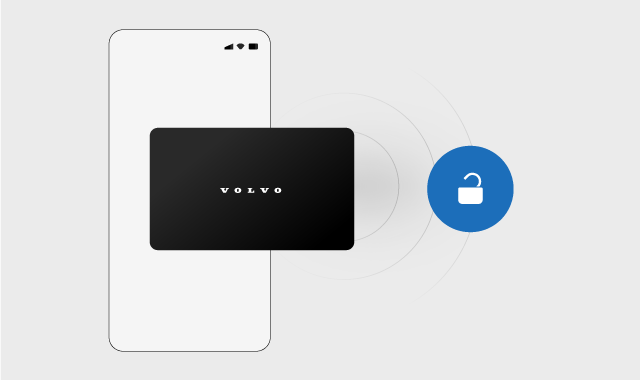
Once you've set up a digital key on your device, it works in the same way as a key card.
The car's owner can create one primary digital key. Once the primary key has been created, you can share digital keys with family and friends.
Note
The digital key for your car is currently available for certain Apple iPhone, Samsung Galaxy and Google Pixel models. Check with your device manufacturer if you're unsure about the compatibility of your device. Many manufacturers have information about compatibility and UWB capability on their website.
Using the digital key
The digital key works as a key card. To unlock the car, open your key in the wallet app and place the device on the driver's door pillar. To start the car, put the device on the key reader below the display.
Sharing a digital key
Once you’ve set up a digital key, you can share it with family and friends. Open the digital key in your phone's wallet app to find the sharing option.
The option to share your digital key may not be available in all wallet views. Make sure to open the wallet app via the app icon.Note
Tip
No battery
You may still be able to use your digital key even if your device has run out of battery. Contact the device's manufacturer for more information.
