Key reading locations
There are some key interaction points where your vehicle can detect your keys to let you lock, unlock or drive it.
Interaction points for keys
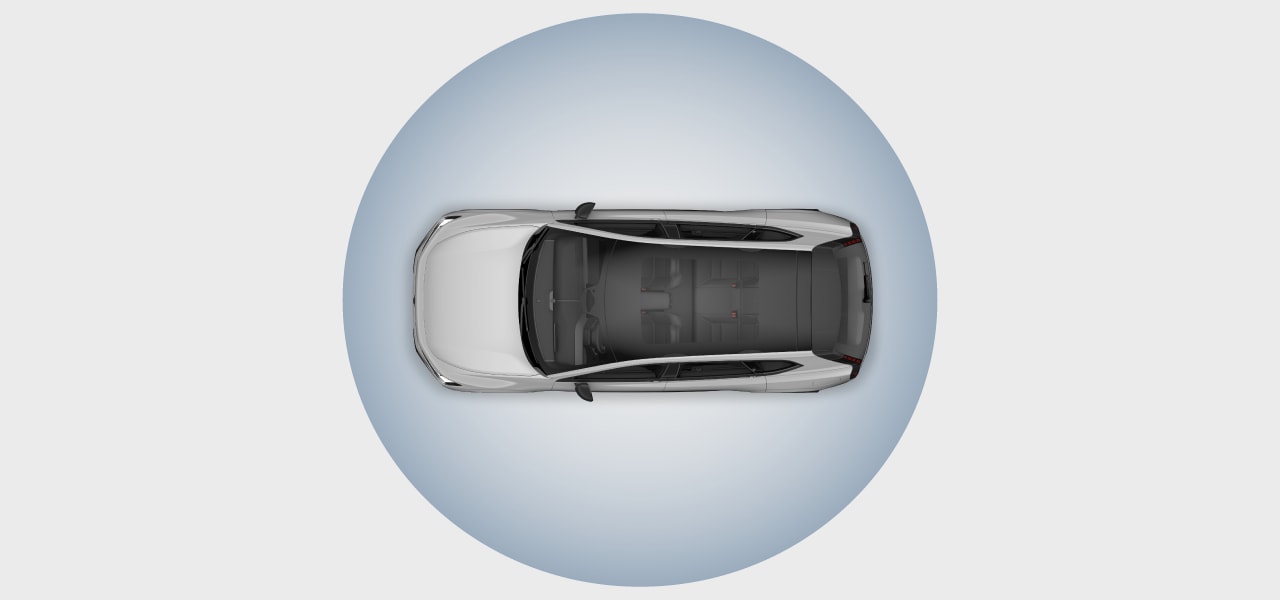
- 1Your distance-capable keys can lock and unlock the vehicle automatically from a short distance away.
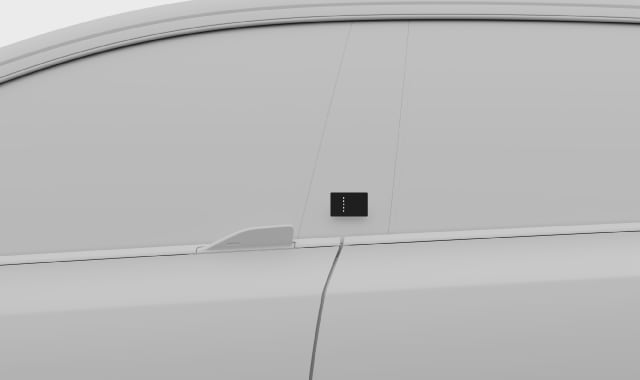
- 2Keys that are not distance-capable need to be placed on the driver's door pillar to unlock the vehicle.
- 3Key cards or discharged keys can be placed on the key reader below the center display to start the vehicle.
Distance-capable keys
Digital keys and charged key tags are distance-capable, meaning your vehicle can detect them when you approach or leave it. This allows for automatic locking and unlocking.
Go to settings to select your preferences and to turn automatic locking and unlocking on or off.
Note
NFC functionality
Your distance-capable keys also have NFC[1] functionality. This means that even if a distance-capable key has a low or discharged battery, you can still use it as a key card. Therefore, any reference to key card functionality applies to discharged distance-capable keys too.
Exterior key reader
You can lock and unlock the vehicle by placing any of your vehicle's keys on the key reader in the driver door pillar.
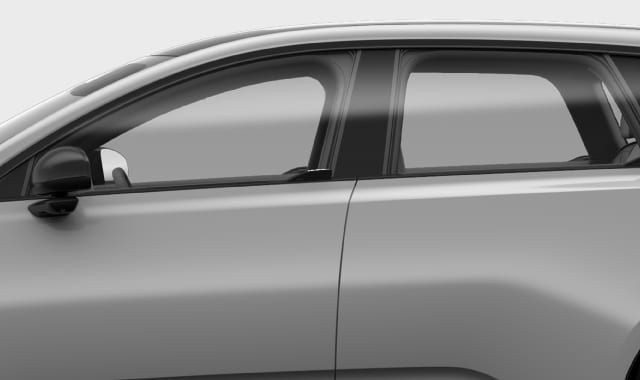

- you hold your card or device an inch or so from the reader
- the Volvo logo is facing toward you if you're using a key tag
- you hold your key card or key tag with the short edge facing the front of the vehicle
- if you're using a digital key, you have opened it in the wallet app before placing your device on the reader.
Interior key reader
You can place your key card or a discharged key tag on the key reader below the center display to get driving access.
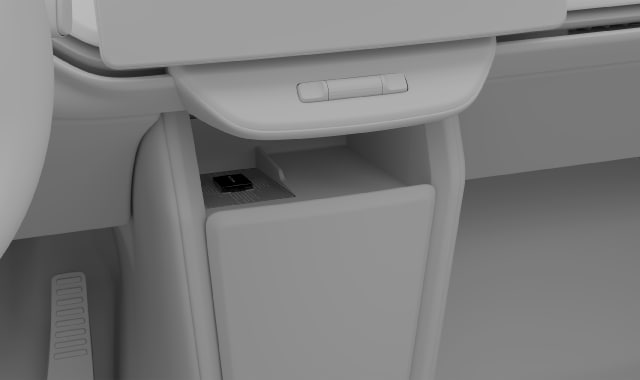
The key reader won't work at the same time as the wireless charger.Note