Instrument panel
The instrument panel shows notifications and information related to your driving and the vehicle itself.
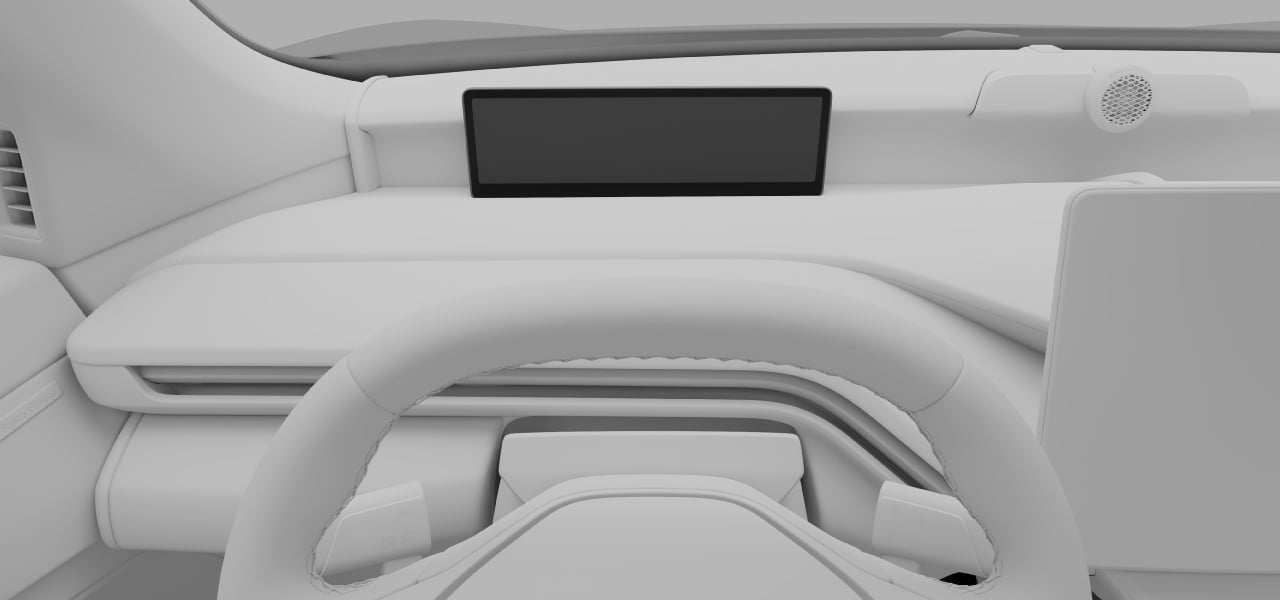
The instrument panel is located in front of the driver, on the dashboard.
Use the controls on the steering wheel to interact with the display and control what's shown on it.
Examples of information that can be shown in the instrument panel are:
- Warning and indicator symbols
- Speed
- Navigation
- Drive mode
- Notification messages
- Battery meter
- Power meter
- Door, seat belt and charging lid alerts
Display modes
There are three instrument panel modes that you can choose from: calm, map and surround. Use the instrument panel mode button  on the steering wheel to change the display mode.
on the steering wheel to change the display mode.| Calm | This displays essential information, such as speed, battery level and range, as well as warning and indicator symbols. |
|---|---|
| Map | The instrument panel shows your current navigation route on a map, as well as essential driving and vehicle information. |
| Surround | In this mode, you will see a depiction of the vehicle and its position on the road. The same essential information as calm mode is also displayed. |
Important
Using surround mode
Surround mode cannot perfectly depict what is really happening on the road around you, so do not rely on it when you are driving.
If the instrument panel turns off, doesn't turn on or is only partially legible, you must not use the vehicle. This is because the driver will not receive warnings and vehicle status information shown in the instrument panel, such as warnings and information relating to brakes, airbags or other safety systems. If there is an issue with the instrument panel, contact an authorized Volvo workshop.Warning
Important
Clear space around the instrument panel
Do not place any objects in front of the instrument panel. If you do, you risk damaging the instrument panel.
You can change the instrument panel settings in the center display.Tip
